No Uploads Needed! How to Choose a Secure Tool for Adding E-Signatures and Seals to PDFs
🔍 Is that free PDF editing site uploading your documents?
Search for "free PDF signing" or "online PDF seal" and you will find plenty of free sites that let you edit PDFs in your browser. However, most of them work on a simple model: you upload your document to their server, it is processed there, and then you download the result. In other words, while you work, your document is sent to, and stored on, the operator's server.
If you upload documents that should not leave your company — estimates, contracts, forms containing customer information — to a site like this, there is a risk of a data leak, depending on how good the operator's security measures are. There is also the problem of so-called "shadow IT": employees using external services the company has not approved, on their own judgment. It is not uncommon for data to end up outside the company in ways that breach internal security policy, all because convenience came first.
The bottom line: when choosing a tool for stamping and signing PDFs, always check whether it is an "upload type" or a "browser-only type (client-side processing)". Pop-A-Sign uses the latter: uploading your documents is not part of the process. Everything is processed on your device, and nothing is saved in the cloud.
🚀 The difference between "upload type" and "browser-only type"
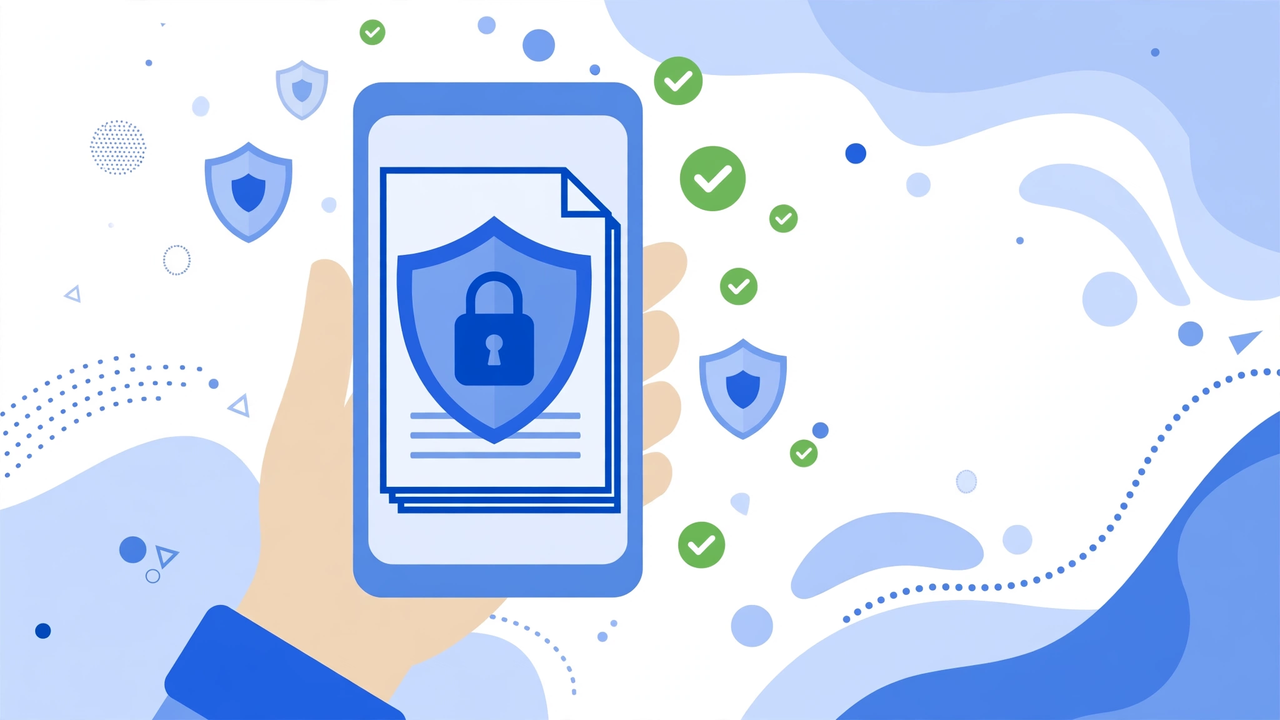
Upload-type services can take advantage of powerful server-side processing, but your files pass through an external server, even if only temporarily. A browser-only (client-side) tool, by contrast, performs every step — loading the PDF, compositing seals and signatures, and saving — entirely inside the browser on your phone or computer. There is no step that uploads the document to a server, and nothing is saved in the cloud, so the biggest difference is that the risk of data leaking outside is avoided by design.
Three checkpoints for telling whether a tool is safe
-
1
Does it mention "uploading" or "processing on our servers"?
Check the terms of use and help pages for any statement saying that files are sent to a server. If there is one, you should also check whether files are reliably deleted after processing.
-
2
Does it keep working offline?
A tool that can keep processing even after you switch to airplane mode once the page has loaded is strong evidence that everything stays within the browser. Pop-A-Sign meets this condition too.
-
3
Does it require an account or login?
A service that requires registration makes you hand over account information — another kind of data — on top of processing your files. With a tool that needs no registration, you can avoid that risk from the start.
✅ Pop-A-Sign's security design
Pop-A-Sign is designed around fully client-side processing: the PDFs and images you load do not need to be uploaded, all processing happens on your device (in the browser), and nothing is saved in the cloud. Stamp settings and registered handwritten signatures and seals are stored only in your device's browser, and they are erased when you clear the browser's data. No account registration is required, so there is no need to hand over account information either.
⚠️ If you register a signature or seal on a shared computer, or a device that other people also use, we recommend erasing the registered information afterwards using the delete button in the app. The browser's storage belongs to that device, so please be careful when a third party uses the same device.
🎯 Summary
When choosing a tool for stamping and signing PDFs, it is essential to look beyond processing speed and feature counts, and to ask where your document data is actually processed. If you want to avoid the risks of upload-type services, choosing a browser-only tool like Pop-A-Sign lets you have both convenience and security. Before you handle important documents, take a moment to check how the tool you use actually works.
📱 Try Pop-A-Sign free now
No sign-up and no uploads. Just open your browser and stamp and sign PDFs securely.
▶ Launch the free app